Guides
Workspaces & lifecycle.
Keep experiments isolated, track simulation IDs, and release data when the task is complete.
Start with an automatic workspace
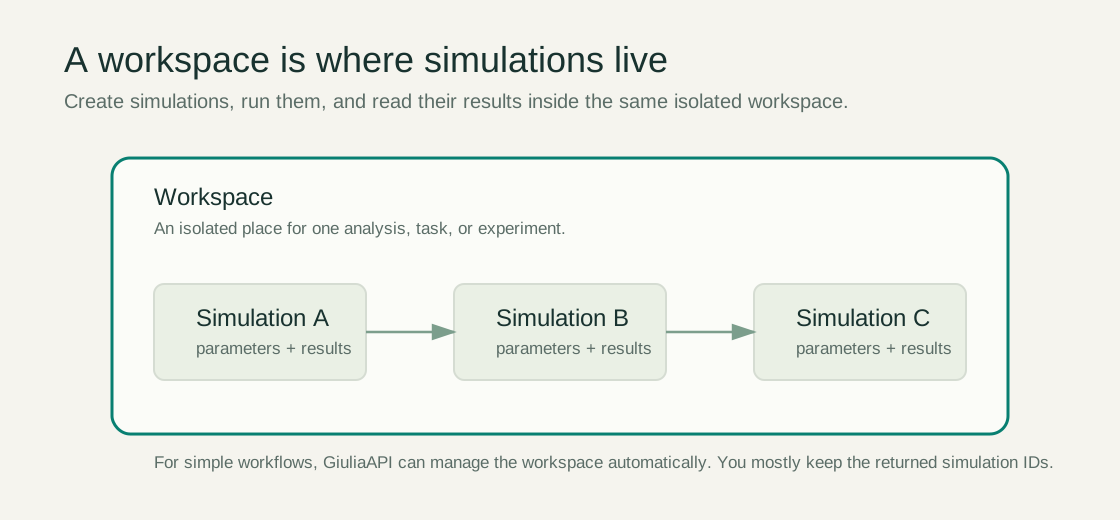
The quickstart needs no workspace creation call. The service creates or reuses a workspace for your authenticated principal. Use explicit sim_id values so concurrent requests do not accidentally operate on the latest simulation.
Follow the simulation lifecycle
Completed simulations are not editable runs to reuse. Clone a completed baseline, change the clone, then run that new simulation.
Retention and usage
Workspace lifetime, simulation retention, concurrency, and run budgets depend on the deployment. Episodes multiplied by steps contribute to run cost. Save results locally before cleanup or expiry; simulations may also be evicted under retention limits.
Usage counters can distinguish attempted runs from completed runs. Inspect the returned fields rather than assuming every attempt produced results.
Explicit workspace management
Operators can manage workspaces using the workspace REST endpoints. Creation, listing, inspection, or deletion may require elevated permissions. For a provisioned workspace, pass X-Workspace-ID in request headers, including MCP requests; do not add workspace IDs to tool arguments.